OmniNexus Team
How to Research Competitor Ads in Public Ad Libraries
Find out what rival brands are advertising using public ad libraries, keep a swipe file, and turn patterns into your own ideas with a 30-minute monthly routine.
You are about to spend your own money on ads, and you have no idea what the shop down the road is already running. You could guess. Or you could spend half an hour looking, because several platforms publish ads for anyone to browse.
This post shows what to look for, how to record it, and how to use it without copying anyone.
What the public ad libraries are
Four are worth knowing. We name them here so you can search for them yourself.
| Library | What you can look up |
|---|---|
| Meta Ad Library | Ads a Facebook or Instagram page is running. |
| TikTok Creative Center | TikTok ads and creative examples. Useful for seeing what short video looks like in your category. |
| LinkedIn Ad Library | Ads a company is running on LinkedIn. Most useful if you sell to other businesses. |
| Google Ads Transparency Center | Ads an advertiser has run on Google. |
Each one has its own layout and its own limits, and they change over time, so spend five minutes clicking around before you rely on any of them. One limit is the same everywhere: you can see the ads, but not the results. You will never see a rival's sales, clicks or budget. Everything below is about reading clues, not proof.
A worked example: a pet groomer in Kota Damansara
Say you run a small pet grooming shop in Kota Damansara. You groom dogs and cats and sell a few shampoos and treats, mostly to people within a short drive. Your rivals are two other local groomers, a bigger pet chain from Kuala Lumpur with mobile grooming vans, and a home groomer who has gone viral on Instagram.
You pick those four as your list. Four is plenty for one sitting. For each one, search the Meta Ad Library by name, then check whether the chain also shows up on TikTok Creative Center or the Google Ads Transparency Center. A local groomer will rarely appear in all four libraries, and that is fine. You work with what is there.
What to look for
Open each advertiser's ads and note the same six things every time. Doing it the same way each time is what makes patterns visible.
- Ads that keep running. An ad that has been live for a long stretch has probably earned its place, because advertisers tend to stop ads that do not work. It is a hint, not proof, since you cannot see why it stayed.
- The offer. Free delivery over a set amount? A bundle? A first-visit discount? A limited-time package? Write down the offer in plain words.
- The angle. What reason does the ad give you to buy? Freshness, nostalgia, convenience, gifting, price. Most ads lean on one angle.
- The format. A single photo, a carousel, a short video, a talking face, a customer review on a plain background. Note what each rival leans on.
- The landing page. Where does the ad send you? A product page, a booking form, a WhatsApp chat, a menu? Click through once and see what the first screen asks you to do.
- The language. English only, Malay, Chinese, or a mix? If the chain runs Chinese versions near Chinese New Year and nobody local does, that is a gap you can see.
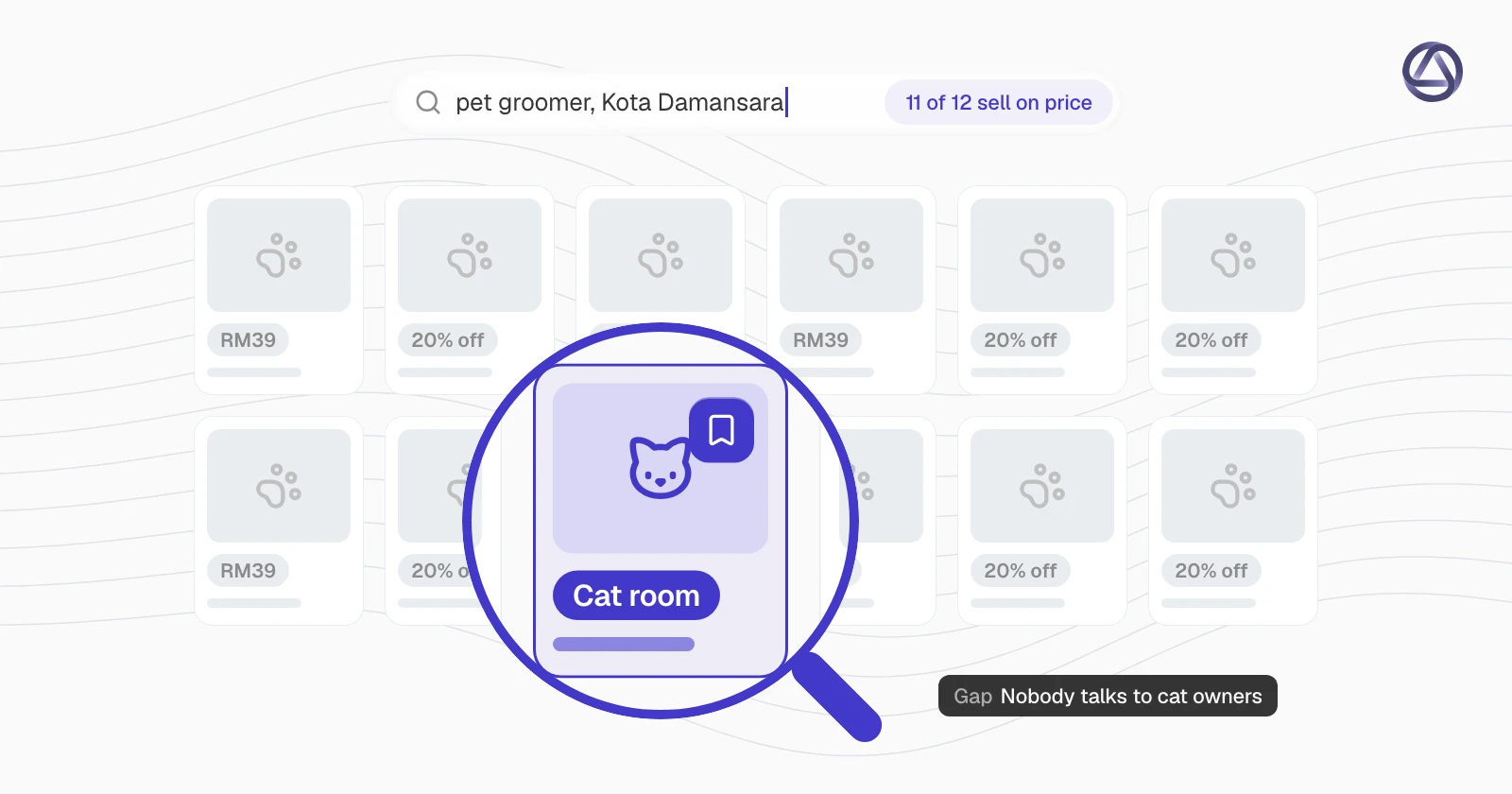
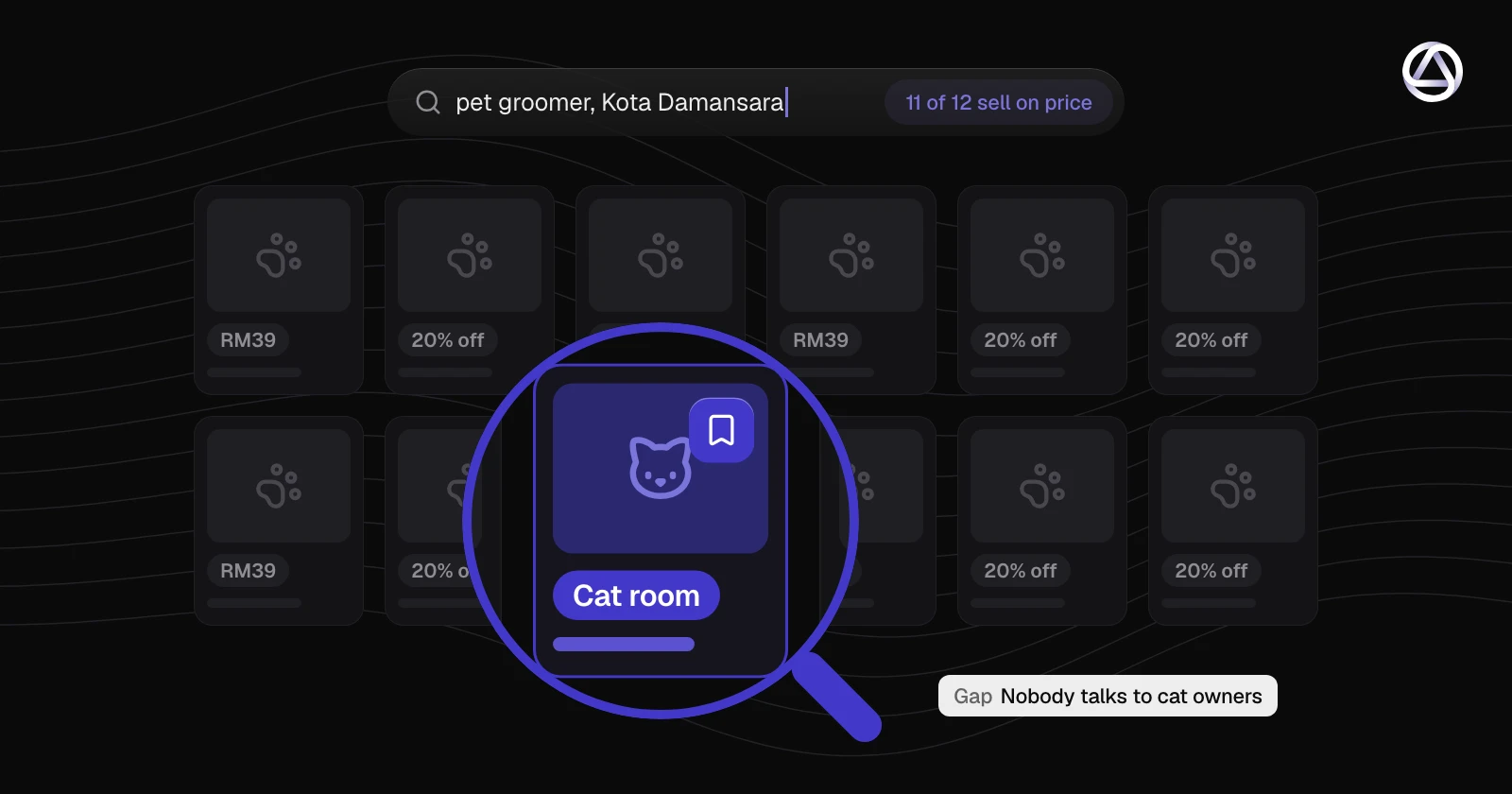
In the grooming example, you might find that both local rivals run one photo of a fluffy dog with a price, and the chain runs short videos of its vans pulling up. Nobody speaks to cat owners. That is your first idea, and you found it in about ten minutes.
Keep a swipe file
A swipe file is a folder where you save ads that caught your eye, so you can find them again. Keep it simple: a shared document or a folder of screenshots will do.
For each ad, save a screenshot and add a short note under it:
- Who ran it and which library you found it in.
- The date you saw it.
- The offer, the angle and the format, in a few words each.
- One line on why it caught your attention.
- If you saw the same ad live a month ago too.
That last line matters. When you note an ad as a repeat sighting, you are collecting the strongest clue the libraries give you. Screenshots also protect you if an ad disappears later.
Turn patterns into your own ideas without copying
Looking at rivals' ads is normal research. Copying them is where it goes wrong, for two reasons.
First, it is unfair and can cause legal trouble. Their photos, videos, copy, logos and music belong to them or to the people who made them. Reusing any of it, or making something close enough that a customer could mistake it for theirs, puts you at risk, and it damages the trust you are trying to build.
Second, it does not work well. If you look like the groomer next door, customers have no reason to pick you.
So extract the idea and drop the execution. A useful way to do it:
-
Write the pattern as a sentence, not as an ad. For example:
Rivals sell on price. Nobody talks to cat owners.
-
Ask what is true about your business that they cannot say. Maybe you have a quiet room just for cats, or the same groomer handles each pet from start to finish, or you pick up and drop off within Kota Damansara and Petaling Jaya on weekdays.
-
Write your own headline, your own photo brief and your own offer from that fact.
-
Check it against theirs. If someone could put the two side by side and call them the same ad, start again.
Here is another quick case from a different industry. A dental clinic in Al Barsha, Dubai, sees that every nearby clinic leads with a smiling patient and a discount on scaling. It decides to lead with a short video of the dentist explaining what a first visit feels like, in English and Arabic. The pattern was "everyone leads with a discount". The response was a different angle that is true for that clinic.
A 30-minute monthly routine
Once a month is enough for most small businesses. Set a recurring slot in your calendar and keep to the clock.
- Minutes 0 to 5. Open last month's swipe file and review your list of rivals. Add or remove one name if your market has changed.
- Minutes 5 to 20. Check each rival in the libraries that fit. Look for new ads and for ads you noted last month that are still live. Save the interesting ones with notes.
- Minutes 20 to 25. Write down two or three patterns in plain sentences. Skip anything you cannot explain.
- Minutes 25 to 30. Pick one idea to try this month and write a one-paragraph brief for it: who it is for, the offer, the angle, the format.
Stop at the half hour. Research that never ends is a good way to avoid making the ad.
Where Marvis fits
Marvis is our AI tool for creating ads and social posts. On the site, the hero demo shows it turning a product photo, a brand kit and market research into four scored ads for Instagram, Facebook, TikTok and LinkedIn. The drink brand and the scores in that demo are illustrative, and a score is not a promise of clicks or sales. You decide what to publish and what to put money behind.
The point for this post is that market research is one of the three inputs. The notes you collect each month are the raw material for that third input, whichever tool you use afterwards. Our badge for this is "Next-gen ads intelligence", but the habit of looking before you brief is older than any tool.
If you want to see how a brief turns into drafts, you can try Marvis. Either way, block out 30 minutes this month, pick four rivals and start the swipe file today.